Services · AI Automation & Integration
I connect the systems you already use and automate the repetitive steps between them. Where AI helps with reading, sorting or finding information, I build it into a workflow you can understand and control.
Copying information between systems. Reading incoming documents one by one. Building a report that is needed again next week.
We start with a real task, understand the exceptions and decide what is worth automating. Predictable steps often need ordinary rules; others may benefit from AI. The work can include:
Extract useful information from forms, invoices and scans, with checks for incomplete or uncertain results.
Move agreed information between business systems, with clear handling for missing data and failed steps.
Make information easier to find across your documents, with sources shown and access matched to the people using it.
Gather, check and organise information needed for regular reports and decisions.
Add focused assistance to an internal application where it helps people complete a particular task.
Connections, models and hosting are chosen around the systems, data and requirements involved. Third-party services and running costs are made clear before launch.
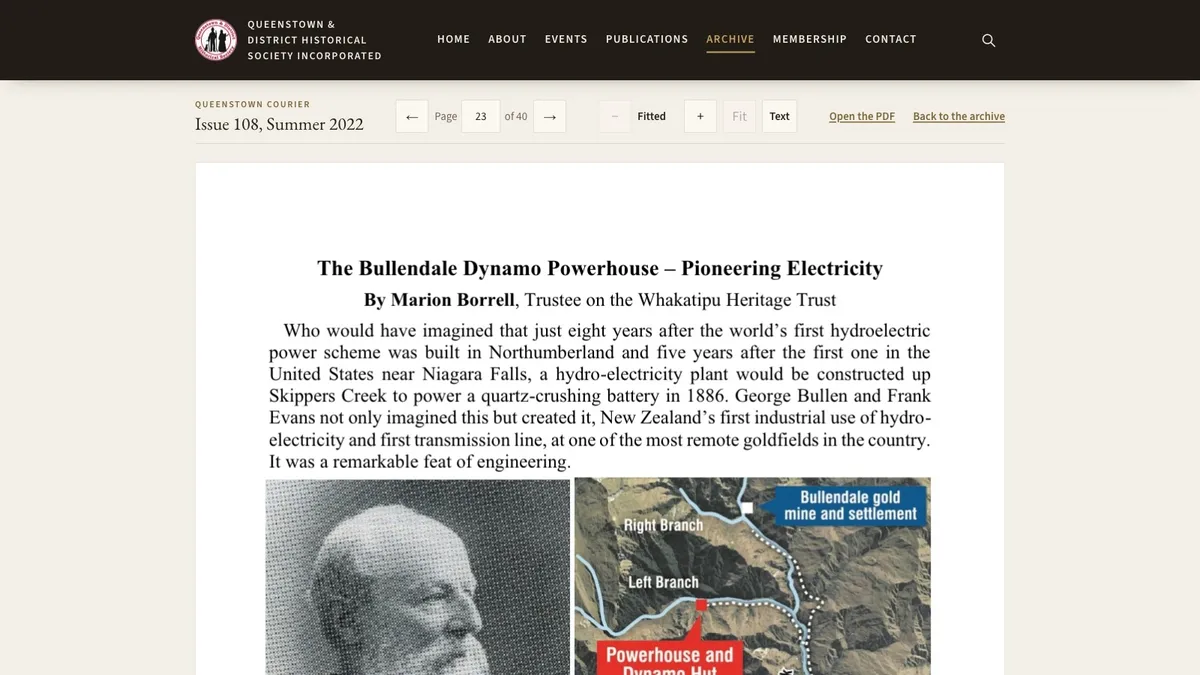
The Queenstown Courier archive contains 2,421 scanned pages. These were machine-read and indexed so that a search can find the relevant page in the original magazine.
Search finds the relevant issue and page. The result opens the original scan.
Read how the archive search works →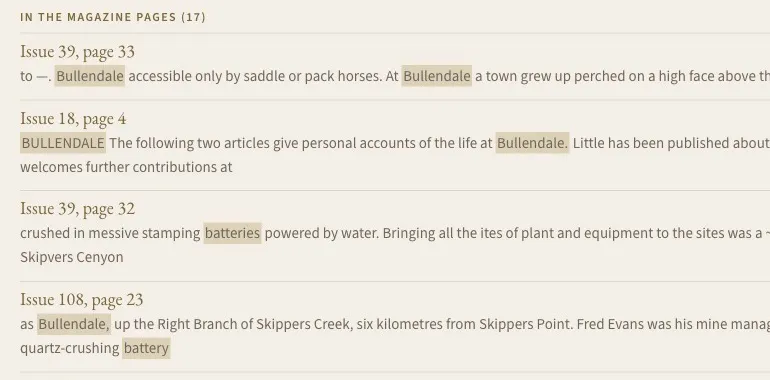
Supporting example
An automated pipeline keeps title and availability information up to date across four countries. The product also uses an AI layer to reorder recommendations for a household.
Read the case study →We review the workflow, the information involved and the result people need.
We agree steps, permissions, review points and what happens when something cannot be completed.
I connect the systems and test representative cases, including the awkward ones.
We check results, agree monitoring responsibilities and document how to pause, change or stop it.
Before launch, you should know what information the workflow uses, where it goes, what access each part has and when a person needs to review the result.
Handover explains each step, how failures are handled, the services involved and the agreed support responsibilities.
No. Predictable steps are often better handled with rules and integrations. I use AI where it has a useful job within the workflow.
We identify the information, where it may be processed and who may access it before choosing tools. You know which services are involved and why.
The workflow needs a defined response. It may flag an item for review, stop that step or return it for correction. Those cases are part of the design and testing.
That depends on the access and interfaces they provide. I check the available options before agreeing an implementation.
The proposal identifies expected services, ongoing costs and support responsibilities. Where usage affects cost, that is explained before launch.
Which task keeps taking more time than it should?
Talk me through it. I’ll help you work out whether it is a good candidate for automation and where to start.
Talk through a workflow